
Our Aggregator Suite is a cutting-edge platform designed to connect potential customers through strategic partnerships with third-party affiliates. We provide an innovative solution for companies looking to expand their reach and grow their customer base, while also offering Crypto Tax solutions to their users.
Whether you’re a business looking to grow or an affiliate seeking additional income, our service bridges the gap seamlessly, creating a win-win situation for everyone involved.
We offer multiple ways to integrate with ZenLedger:
Link example:
Where AGGREGATOR_CODE is unique for each aggregator
How It Works:
ZenLedger provides this link containing a referral code which is shared and will lead each user to our signup page. When the user creates an account, this user is automatically linked to the Aggregator in order to track the referral activity.
In case the aggregator already knows the Crypto Wallet information of the user, it is optional to provide ZenLedger with the list of wallet addresses via API, that will automatically import at the moment the user signs up, refer: Aggregator Rest API Reference
The API provides a unique link for each specific user containing a reference to the preloaded wallet portfolio.
Link example:
This makes the experience more pleasant since the user does no longer need to import each wallet address manually.
Aggregators can easily integrate ZenLedger into their own platforms using an iFrame with Single Sign-On (SSO) through Security Assertion Markup Language (SAML). For details on the SAML specification, refer: here.
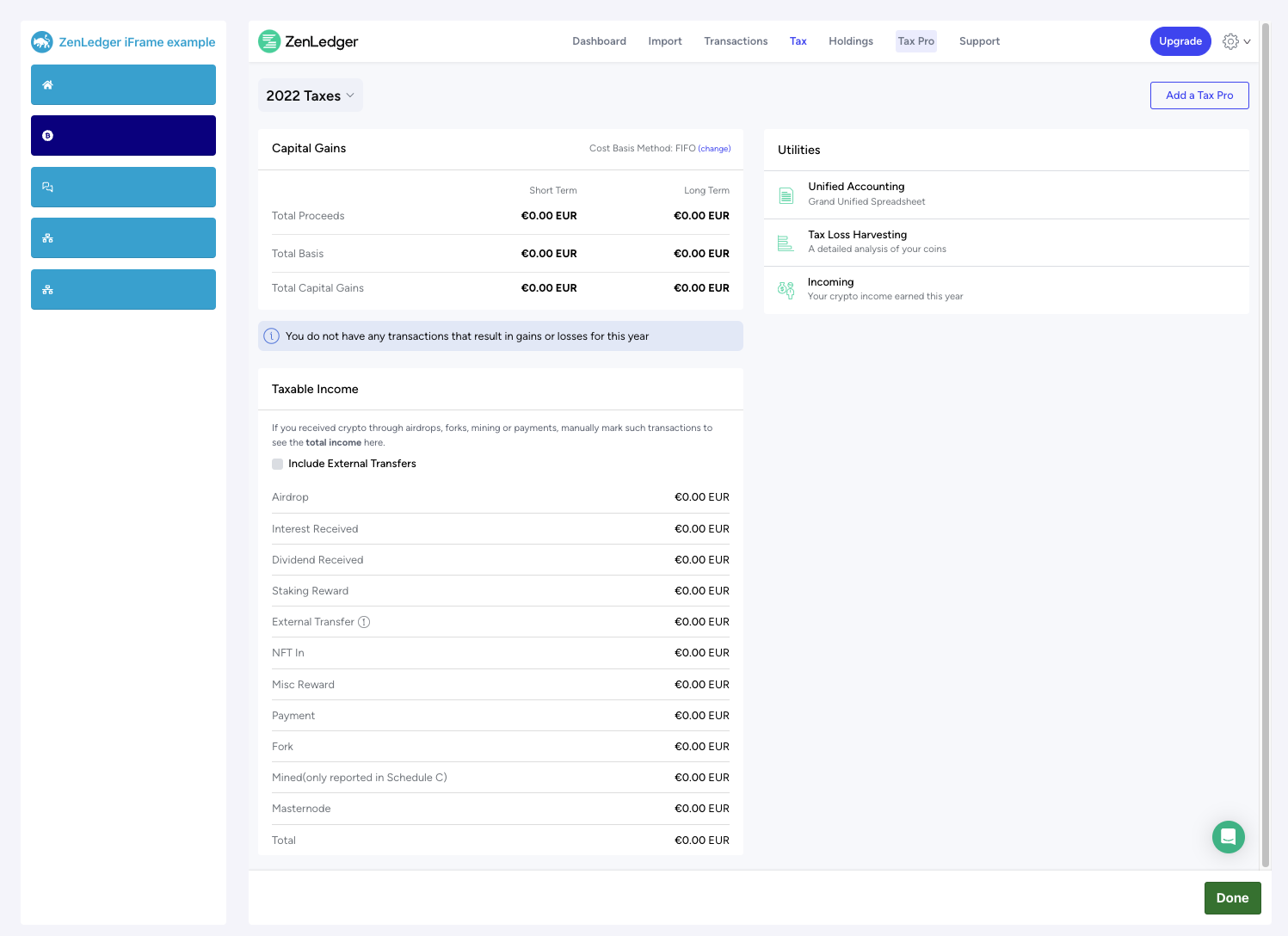
By using SAML, the aggregator can either create a new user or sign in an existing user who is already linked to their aggregator’s identity. This seamless process eliminates the need for the user to manually log in.
Once signed in, the user will be automatically directed to ZenLedger’s main dashboard, displayed within the iFrame.
https://api.zenledger.io/auth/saml/authOnce the user has finished using the service within the iFrame (they are be redirected to the tax page after starting the tax calculation process). When the use gets to the Tax page, the tax information is sent to the main site (main frame) via postMessage. This postMessage can be used to close the iFrame, and the user can continue with the aggregator’s flow seamlessly.